Build a Bulletproof Personal Cloud: A Synology NAS Setup Guide
Take back control of your data by building a high-performance personal cloud. This guide covers hardware selection, RAID configurations, and secure remote access for beginners.
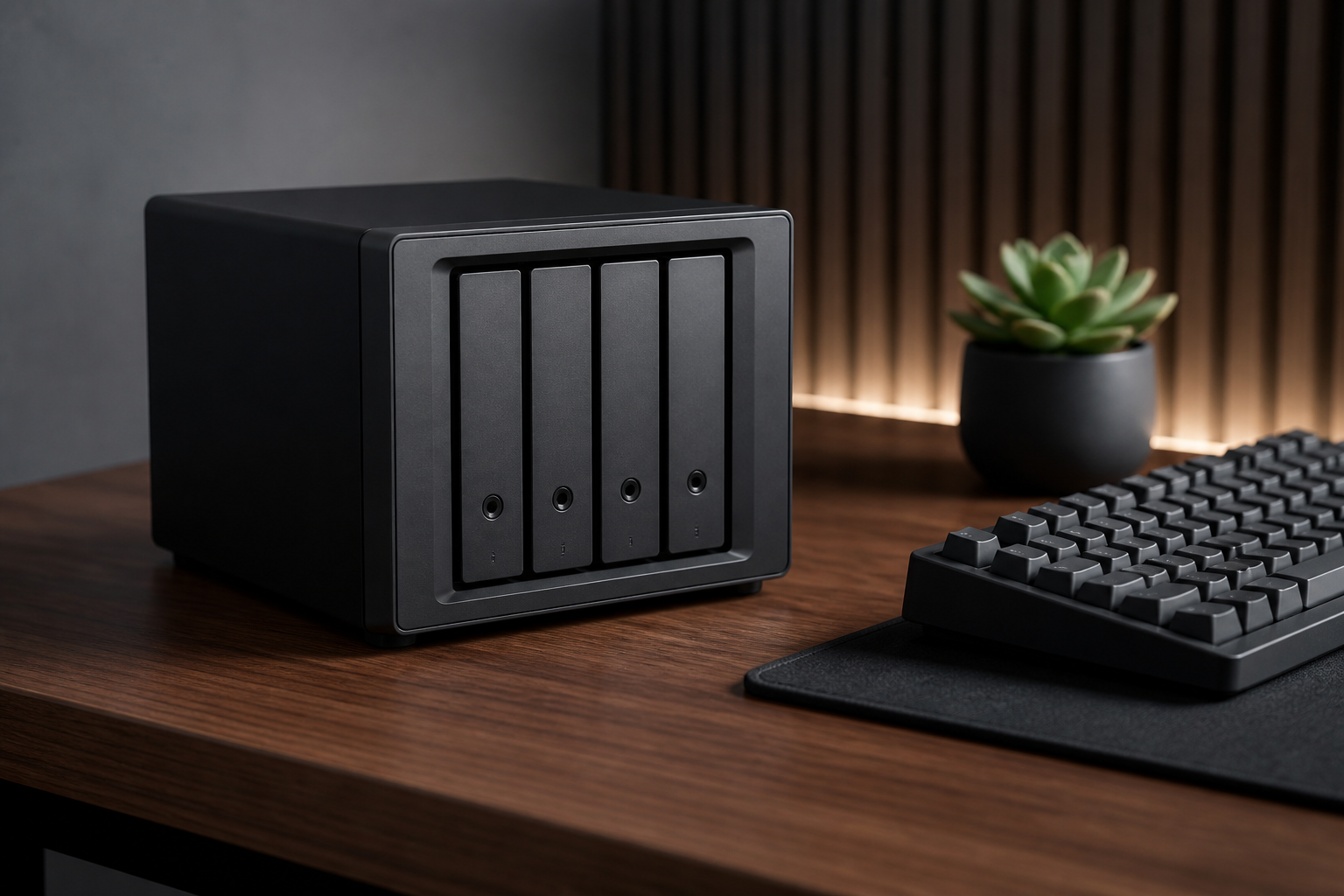
Transitioning from subscription-based cloud services to a self-hosted Network Attached Storage (NAS) is a rite of passage for privacy-conscious power users. While platforms like Google Drive and iCloud offer convenience, they lack the granular control, speed, and long-term cost-efficiency of owning your hardware. A Synology NAS isn't just a hard drive connected to the internet; it is a full-fledged Linux server designed to handle everything from automated photo backups to hosting your own media library and Docker containers.
This guide will walk you through the essential steps of building a robust personal cloud infrastructure. We will move beyond the basic 'plug and play' setup to focus on high-availability storage configurations, security hardening, and remote access protocols that don't compromise your domestic network safety. Whether you are a photography enthusiast with terabytes of RAW files or a developer needing a reliable staging environment, mastering your NAS is the ultimate productivity upgrade.
Selecting the Right Drive Layout: SHR vs. RAID
The foundation of any reliable NAS is its disk configuration. Most beginners ignore this step and simply click through the default options, but understanding Synology Hybrid RAID (SHR) is crucial for future scalability. Unlike traditional RAID levels (like RAID 5 or 6) which require all drives to be the same size, SHR allows you to mix and match drive capacities while still maintaining one or two disks of redundancy.
For a 2-bay or 4-bay system, SHR-1 is the gold standard. It provides a single-disk fault tolerance, meaning if one drive fails, your data remains intact. For professional setups with 5 or more bays, SHR-2 is recommended as it allows for two simultaneous drive failures. Choosing the right layout now prevents the massive headache of backing up and reformatting your entire volume later when you decide to upgrade your storage capacity.
- SHR (Synology Hybrid RAID): Best for mixed drive sizes and easy expansion.
- RAID 1: Straight mirroring, ideal for 2-bay units requiring maximum uptime.
- RAID 10: High performance for database hosting, but cuts storage capacity in half.
- JBOD: Just a bunch of disks; provides no redundancy and is not recommended for serious data.
The 3-2-1 Security Hardening Protocol
Once your volume is created, security is your next priority. A NAS is a prime target for ransomware if left exposed to the internet with default settings. The first rule of NAS security is to disable the default 'admin' account immediately. Hackers run automated scripts against this username globally. Instead, create a unique username with administrative privileges and use a complex password managed by a password manager.
Next, implement 2nd-factor authentication (2FA) for all users. Synology’s Secure SignIn app makes this seamless. Furthermore, you should configure the built-in Firewall found in the Control Panel. By default, the firewall is often disabled. You should create rules that only allow traffic from your local IP range and your specific country, blocking all 'unmatched' traffic from foreign regions known for brute-force attempts.
Treat your NAS like a bank vault: the more layers of security you add, the less likely you are to become a target of opportunity.
Setting Up Secure Remote Access without Port Forwarding
The traditional way to access a NAS remotely was through port forwarding, which effectively poked holes in your router's firewall. This is now considered an outdated and risky practice. Modern users should opt for either Synology QuickConnect or a dedicated VPN like Tailscale.
Tailscale is particularly powerful because it creates a virtual 'mesh' network. It uses the WireGuard protocol to establish point-to-point encrypted tunnels between your devices. Once installed via the Synology Package Center, your NAS gets a private IP address that is only accessible to your authenticated devices, regardless of where you are in the world. This removes the need to open ports 5000 or 5001 entirely.
# Example: Connecting to your NAS via Tailscale CLI
tailscale status
tailscale ping nas-server-name
Optimizing Productivity with Synology Drive
Synology Drive is the software layer that transforms your hardware into a true iCloud or Dropbox replacement. It supports on-demand syncing, which allows you to see all your files in Windows File Explorer or macOS Finder without they actually taking up space on your laptop’s internal SSD until you click to open them.
To maximize performance, enable 'Intelliversioning' in the Admin Console. This algorithm intelligently decides which file versions to keep based on their age and importance, ensuring that you can roll back to a previous version of a document if you accidentally save a mistake, without eating up all your available storage space with redundant backups.
Automating Backups: Hyper Backup vs. Snapshot Replication
Finally, remember that a NAS is not a backup unless the data also exists somewhere else. RAID protects you from hardware failure, but it doesn't protect you from accidental deletion or file corruption. Use Hyper Backup to encrypt and send your most critical folders to an off-site location like Backblaze B2 or C2 Storage once a night.
For local protection against ransomware, use Snapshot Replication. This technology creates 'frozen' points in time of your data. If a virus encrypts your files, you can simply revert the entire shared folder to its state from ten minutes ago. Unlike standard backups, snapshots are nearly instantaneous and consume very little extra space because they only track changes at the block level.
Expert insights
- Always use 'NAS-grade' hard drives like Western Digital Red Pro or Seagate IronWolf. Standard desktop drives are not designed for the 24/7 heat and vibration of a multi-bay enclosure.
- A UPS (Uninterruptible Power Supply) is not optional. A single power surge or outage during a RAID write operation can lead to catastrophic volume crashes.
Statistics & data
- According to industry data, Synology Hybrid RAID (SHR) can reclaim up to 35% more space than traditional RAID in systems with mixed drive capacities.
- Research into data loss suggests that over 40% of small business data loss is caused by human error, making point-in-time snapshots more critical than simple mirrors.
Key takeaways
- Use SHR (Synology Hybrid RAID) to ensure your storage can grow with your needs without wasting disk space.
- Eliminate the 'admin' user and enable 2FA immediately to prevent 99% of common brute-force attacks.
- Leverage Tailscale or WireGuard for remote access instead of risky port forwarding on your router.
- Implement the 3-2-1 backup rule using Hyper Backup for offsite storage and Snapshots for local versions.
Frequently asked questions
Can I use SSDs instead of HDDs in my NAS?
Yes, but it is expensive. Most users benefit more from 'SSD Caching,' where you use one or two small NVMe SSDs to speed up the read/write operations of large HDDs.
Is the Synology Firewall necessary if I have a router?
Yes. Defense-in-depth is the standard. If your router is compromised or has a vulnerability, the NAS firewall acts as the final line of defense.
What happens if the Synology hardware itself fails?
Your data is stored in a Linux-compatible format. You can either migrate the drives into a new Synology unit or use a Linux PC and an Ubuntu boot disk to recover the data manually.
External references
Keep learning with StackForge
New, expert-reviewed tutorials are published regularly. Explore more guides in Gadgets & How-To Guides to deepen your skills.
More Gadgets & How-To Guides guides →
Written & reviewed by
Justin Schmella
Senior Industry Researcher & Content Specialist
Justin Schmella is a senior software engineer and technical educator with more than eight years of hands-on experience shipping production systems across web, cloud, and developer tooling. He began his career as a full-stack developer at a fast-growing SaaS company, where he led the migration of a monolithic application to a modern, service-oriented architecture used by hundreds of thousands of users.
Related tutorials

Mastering the macOS Terminal: A Guide to Boosting Productivity
Unlock the true power of your Mac by mastering the command line for faster workflows and advanced system control.
Mastering macOS Window Management: From Stage Manager to Shortcuts
A deep dive into organizing your Mac workspace for better focus and faster multitasking using built-in Apple tools.
Mastering macOS Window Management for Ultimate Productivity
Transform your cluttered Mac desktop into a streamlined workspace using built-in macOS tools and hidden power-user shortcuts.